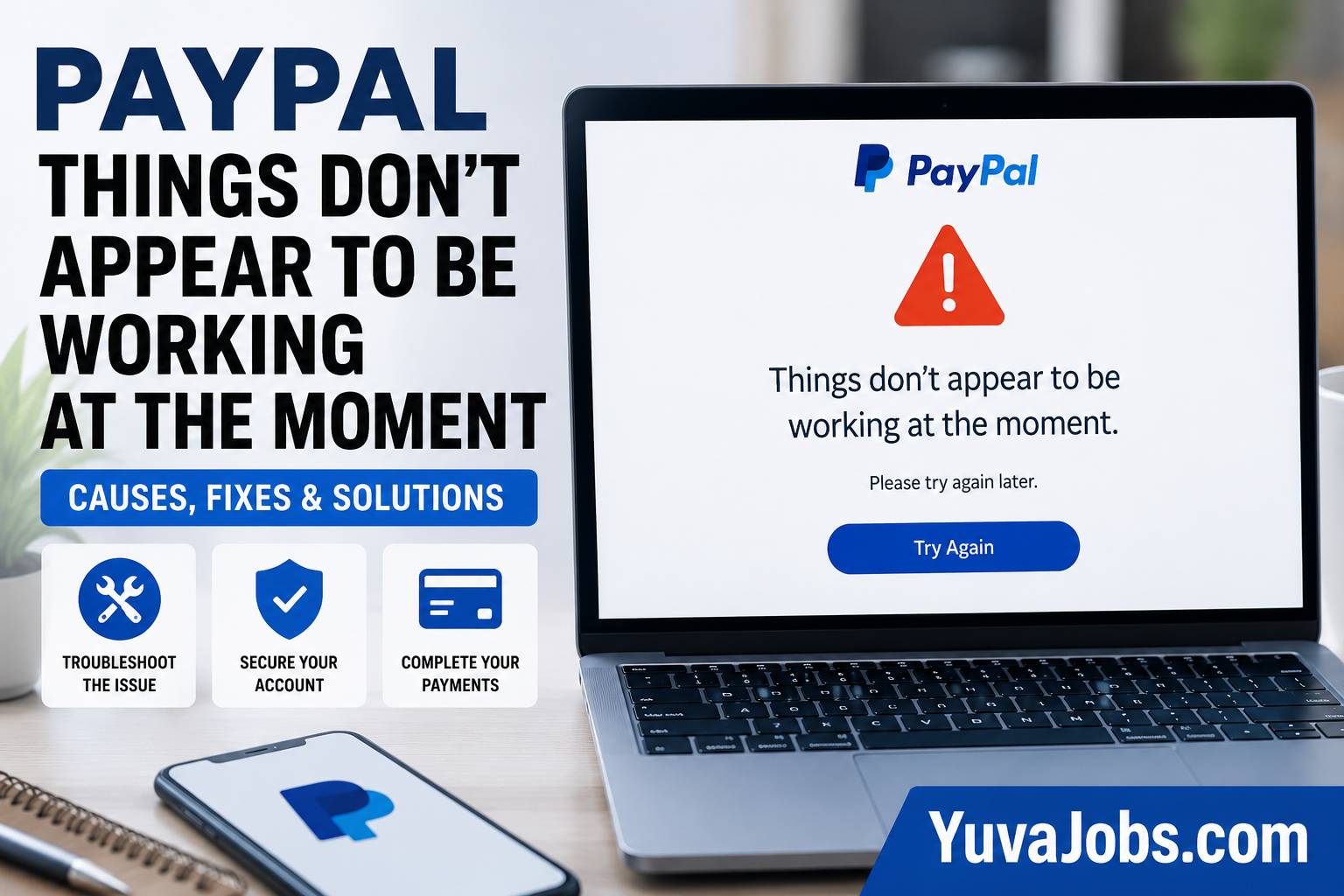
Most payment failures give you a code. This one does not. The message “paypal things don’t appear to be working at the moment” is frustrating because it stops the payment process without clearly telling you what actually failed. That is why people often waste time repeating the same action instead of fixing the underlying problem. In real-world troubleshooting, this message can appear during checkout, while logging in, when sending money, or even when confirming a payment. The good news is that the error usually falls into a handful of well-understood categories, and each has a different solution rather than one universal fix.
What causes this
This message is intentionally generic, which means PayPal is hiding the specific backend reason from the customer. That makes diagnosis more difficult—but there are recognizable patterns.
A temporary PayPal service interruption is one of the most common reasons. During maintenance windows or unexpected outages, PayPal may reject requests before they reach your account. Instead of displaying a detailed server error, the platform often returns the generic “things don’t appear to be working at the moment” message. These incidents usually resolve without any action from you.
Browser-related problems are another frequent cause (especially after browser updates). Corrupted cookies, expired authentication tokens, blocked JavaScript, aggressive privacy extensions, or damaged cached files can interrupt the secure session that PayPal requires. The payment request reaches PayPal, but the session validation fails before processing completes.
And account security checks can trigger exactly the same message. If PayPal’s automated fraud systems detect unusual activity—such as logging in from a new country, rapidly attempting multiple payments, using a VPN, or changing devices—the system may silently pause transactions until additional verification is completed.
Payment method problems create another variation. An expired debit card, insufficient funds, a bank declining authorization, or a recently removed payment method may all surface as the same generic error instead of a clear decline message.
Here’s the thing: the identical wording can represent several completely different failures, so repeating the payment ten times rarely solves anything. In some situations, it may even increase security checks because repeated failed attempts resemble automated activity.
How to fix it
Follow these steps in order. Each one eliminates a different possible cause.
1. Check whether PayPal is experiencing an outage
Before changing anything on your computer, verify whether the problem is on PayPal’s side.
Visit the official PayPal Status page and look for ongoing incidents affecting payments, login, or checkout. If there is an active outage, waiting is usually the correct solution rather than repeatedly retrying.
This simple check often saves considerable time.
2. Refresh your browser session
Close every PayPal tab completely.
Then clear:
- Cached images and files
- Cookies for
paypal.com - Site data
Restart the browser and sign in again.
This forces PayPal to create a fresh authentication session instead of using potentially corrupted credentials stored in your browser.
3. Try a different browser
If you’re using Chrome, test the payment in Microsoft Edge, Firefox, or Safari.
Avoid importing extensions during testing.
And open a private or incognito window first because it starts with a clean browser profile that excludes most cached data.
4. Disable VPNs and privacy extensions
Many VPN services rotate IP addresses.
That can trigger PayPal’s fraud detection systems.
Temporarily disable:
- VPN software
- Proxy servers
- Ad blockers affecting scripts
- Privacy extensions that block cookies
Retry the payment using your normal internet connection.
5. Verify your payment method
Open your PayPal Wallet and confirm:
- The card has not expired.
- Billing address matches your bank.
- Bank account remains verified.
- Available balance covers the purchase.
- No payment method requires confirmation.
A surprisingly large number of failed payments come from cards that expired months earlier but remained stored inside the account.
6. Confirm your account status
Log into PayPal from the Account Settings page.
Look for:
- Identity verification requests
- Required tax information
- Security alerts
- Requested document uploads
- Email confirmation reminders
Any unresolved verification request can temporarily limit transactions.
7. Wait before retrying
This sounds simple, but it matters.
If several payment attempts fail within a few minutes, stop trying for 30–60 minutes.
PayPal’s automated protection systems sometimes temporarily rate-limit repeated transaction attempts.
8. Try another payment method
If one card fails repeatedly, select another stored card or linked bank account.
Or fund your PayPal balance first and complete the payment from available balance instead.
That helps determine whether the issue is tied specifically to one funding source rather than the PayPal account itself.
If that didn’t work
Some situations require looking beyond the obvious fixes.
Banks occasionally decline authorizations without immediately informing customers. Even though PayPal displays its generic error, the actual rejection happened at the issuing bank. Contacting the bank’s fraud department can quickly confirm whether they blocked the transaction.
But merchants can also contribute to the problem. Certain online stores incorrectly integrate the PayPal checkout flow or continue using outdated APIs (although this is less common today). If PayPal works on other websites but fails only on one merchant, the retailer may need to correct its payment integration rather than you changing account settings.
Another possibility involves regional restrictions. Some countries, currencies, or transaction types require additional verification before payment approval. Realistically, PayPal does not always explain these regional limitations clearly, so contacting customer support may be necessary.
There is also one limitation worth acknowledging: because PayPal intentionally keeps many fraud detection rules private, no public troubleshooting guide can identify every possible trigger. Two users may see the identical message for entirely different backend reasons.
How to prevent it
Keeping your PayPal account healthy reduces the chance of seeing this error again.
Update expired cards as soon as replacements arrive instead of waiting until checkout. Keep your primary email address verified, maintain an accurate billing address, and avoid switching repeatedly between VPN locations during payments.
So if you regularly clear browser data, remember that deleting every cookie also removes trusted login sessions, which may trigger fresh security verification on your next payment.
Try to complete purchases from a consistent device whenever possible (especially for high-value transactions). Stable login patterns generally produce fewer automated security checks than constantly changing devices and networks.
Closing
The message “paypal things don’t appear to be working at the moment” rarely means your account is permanently broken. Most cases trace back to temporary service interruptions, browser session problems, payment method issues, or automated security checks. Work through the fixes one by one instead of guessing, because each step eliminates a specific cause. If the error continues after verifying your account, testing another browser, and confirming your payment method, your next step should be contacting PayPal Support with the exact time of the failed transaction so they can review the server-side logs associated with your account.
