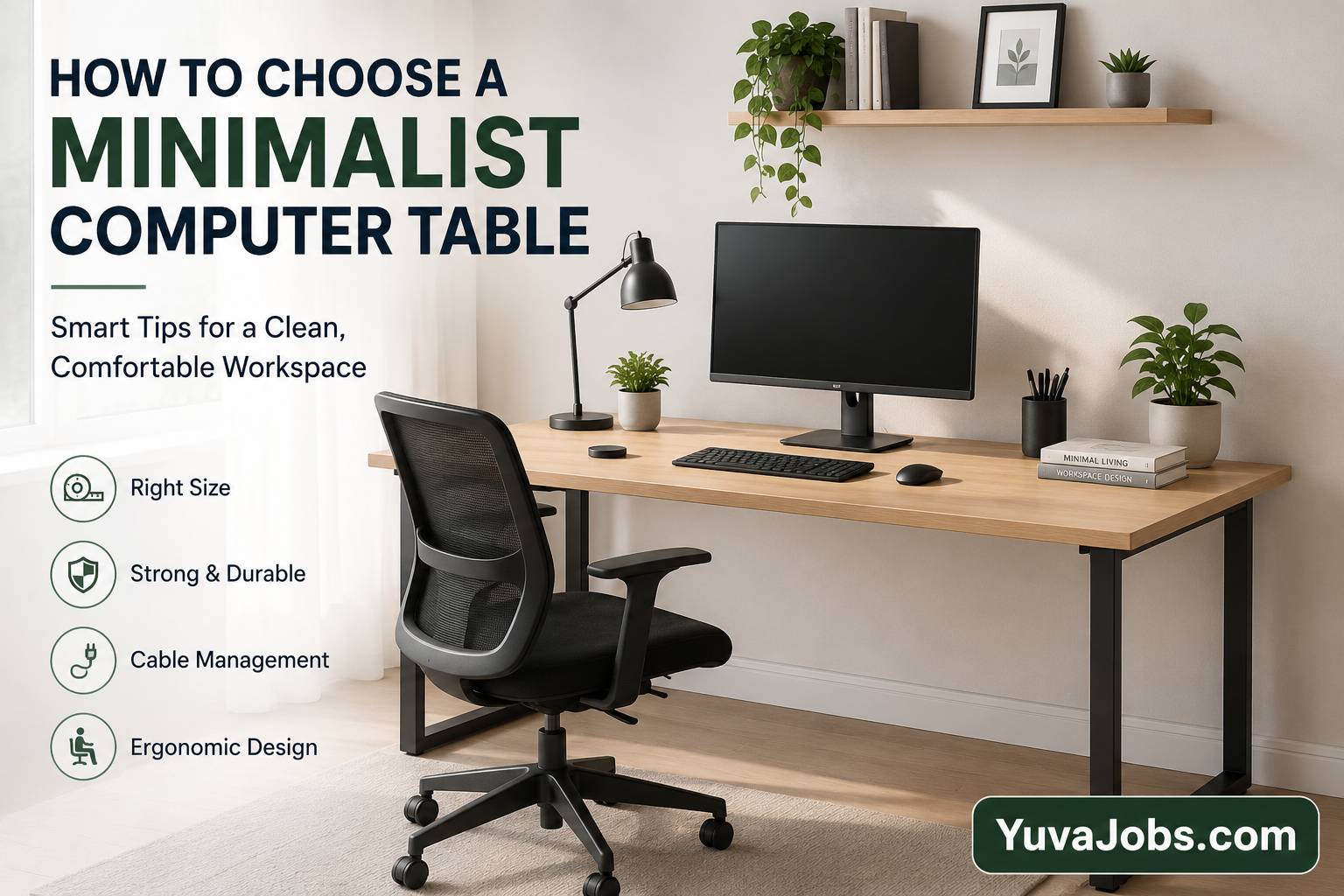
A desk can quietly shape your entire workday. The wrong one becomes invisible until your shoulders ache, cables spill onto the floor, or there’s nowhere left for a notebook beside your keyboard. Learning how to choose a minimalist computer table is less about following design trends and more about finding a workspace that stays useful for years without adding visual clutter. After reading this guide, you’ll know exactly how to compare sizes, materials, stability, and practical features, so you can buy a table that fits both your room and the way you actually work.
Before you start
Grab a measuring tape, a notebook (or your phone), and the dimensions of the room where the table will go. Measure not only the available floor space but also nearby doors, drawers, and chairs to make sure everything can move freely.
And don’t forget to measure your computer setup instead of guessing. A laptop requires far less depth than a desktop with dual monitors. If you plan to upgrade later, leave extra room now—it usually costs less than replacing the entire table later.
Pay attention to the floor as well (especially in older homes). Uneven flooring can make lightweight minimalist tables wobble unless they include adjustable feet.
Step-by-step instructions
1. Measure your available space first
Start with the room rather than the table. Measure the width, depth, and height available, then subtract enough clearance for your chair and walking space.
Why this matters: Many buyers focus only on tabletop dimensions and later discover they cannot fully pull out their chair or open nearby cabinets.
2. Decide what will stay on the desk every day
Write down everything that needs a permanent place—monitor, keyboard, laptop, speakers, notebooks, charging dock, or printer.
A minimalist desk works best when it isn’t overloaded. (That’s one reason minimalist setups often look cleaner than they really are.)
If your equipment barely fits on paper, choose a slightly larger tabletop instead of hoping you’ll “organize later.”
3. Choose the right tabletop size
Most users find these dimensions practical:
- Around 80–100 cm wide for laptop users with limited accessories.
- Between 100–120 cm works well for one monitor and everyday office work.
- Approximately 140 cm or wider gives enough room for multiple monitors or creative work.
Depth matters too. Around 60 cm provides comfortable viewing distance for most monitors, while 70–80 cm feels noticeably better for larger displays.
4. Pick a stable material
The appearance may be minimalist, but construction quality shouldn’t be.
Solid wood lasts the longest and feels sturdy, although it’s usually more expensive.
Engineered wood offers excellent value if the finish is durable and the core is dense enough.
Metal frames paired with quality wooden tops provide an excellent balance between modern design and strength.
But avoid choosing based only on photos. Thin tops supported by weak frames often flex under heavier monitors.
5. Check the weight capacity
Manufacturers usually list a maximum supported load.
Think beyond today’s setup. A desktop computer, large monitor, books, and accessories can weigh much more than expected.
A higher weight rating often indicates stronger construction rather than simply allowing heavier equipment.
6. Look carefully at leg placement
Here’s where many first-time buyers make a mistake—the legs determine how comfortable the desk feels.
Some minimalist designs place support bars directly where your knees need space.
Sit as if you’re working and imagine moving your chair from side to side. Plenty of legroom matters more during long work sessions than another decorative shelf.
7. Think about cable management
Minimalist doesn’t automatically mean organized.
Choose a table with cable holes, hidden trays, or enough clearance behind the tabletop to secure wires neatly.
Or plan to add adhesive cable clips later if the desk doesn’t include built-in management.
8. Match the style to your room
Choose a finish that complements your existing furniture instead of trying to make the desk become the center of attention.
Light wood creates a warmer workspace.
Black frames suit industrial interiors.
White surfaces make smaller rooms appear brighter—but they may show stains more easily.
The truth is, the best minimalist computer table is usually the one you stop noticing because it simply works every day.
Common mistakes
Many buyers purchase the smallest desk they can find because minimalist design seems to encourage tiny furniture. Unfortunately, a cramped surface often becomes cluttered within days.
Another common mistake is ignoring ergonomics. A beautiful desk cannot compensate for an incorrect height, especially if your elbows stay too high or too low while typing.
So don’t overlook stability. Lightweight tables may look elegant online, yet they can shake every time you type or move your mouse. Reading customer reviews about wobbling is often more valuable than looking at polished product photos.
People also underestimate future needs. Buying only for today’s laptop setup can become expensive if you later add a monitor, microphone, or desktop computer.
One honest limitation deserves mentioning: even the best minimalist table cannot solve poor posture if your chair, monitor height, and keyboard placement remain incorrect. Think of the desk as one part of a complete workstation rather than a complete solution.
Tips to do it better
Choose adjustable feet whenever possible—they solve minor floor unevenness without making the desk look different.
And consider rounded front edges instead of sharp corners. They feel noticeably more comfortable during long typing sessions.
If you’re working from home every day, spending slightly more on a stronger frame usually pays off because movement and wobbling become frustrating surprisingly quickly.
Realistically, fewer built-in shelves often create a cleaner workspace than complicated storage systems. Store items you rarely use in nearby drawers instead of keeping everything on the desk.
Finally, leave at least 15–20% of the tabletop empty. That small amount of free space makes cleaning easier, reduces visual clutter, and gives you room for temporary work without feeling crowded.
Closing
Choosing a minimalist computer table becomes straightforward once you focus on measurements, stability, comfort, and future needs instead of appearance alone. A clean design should support your work—not limit it. Measure your room carefully, compare construction quality before ordering, and imagine using the desk every day rather than admiring it in product photos. Making those checks now can save you from replacing the table far sooner than expected
